Evolution-technologies 222 Manuale Utente
Navigare online o scaricare Manuale Utente per Ricevitori e amplificatori Evolution-technologies 222. Evolution Technologies 222 User Manual Manuale Utente
- Pagina / 48
- Indice
- RISOLUZIONE PROBLEMI
- SEGNALIBRI

- EVOLUTION 1
- IMPORTANT SAFETY INSTRUCTIONS 2
- Contents 3
- List of Illustrations 4
- A Letter from Dan D’Agostino 5
- Features 6
- CAST Basics 7
- CAST Cable Construction 8
- Evolution CAST 8
- The Best Musical Performance 8
- Definition of Terms 9
- Technology 10
- Unpacking and Placement 11
- Placement 12
- Quick Start 13
- Operating the Evolution 222 14
- Anatomy of the Evolution 222 15
- Front Panel Description 16
- Preamplifier Functions 17
- Navigate/Customize 17
- Level Control 18
- Remote Control Description 20
- Krell compact disc player 21
- Back Panel Description 23
- Phono Stage Connector 25
- Connecting the Evolution 222 26
- Connection Steps 27
- Evolution 222 Operation 28
- Customizing the Evolution 222 29
- Menu Functions 30
- PC Boards 33
- Input Name Options 34
- Input Trigger continued) 36
- Volume Display 42
- Troubleshooting System Noise 43
- Warranty 44
- Evolution 222 46
- Specifications 47
Sommario
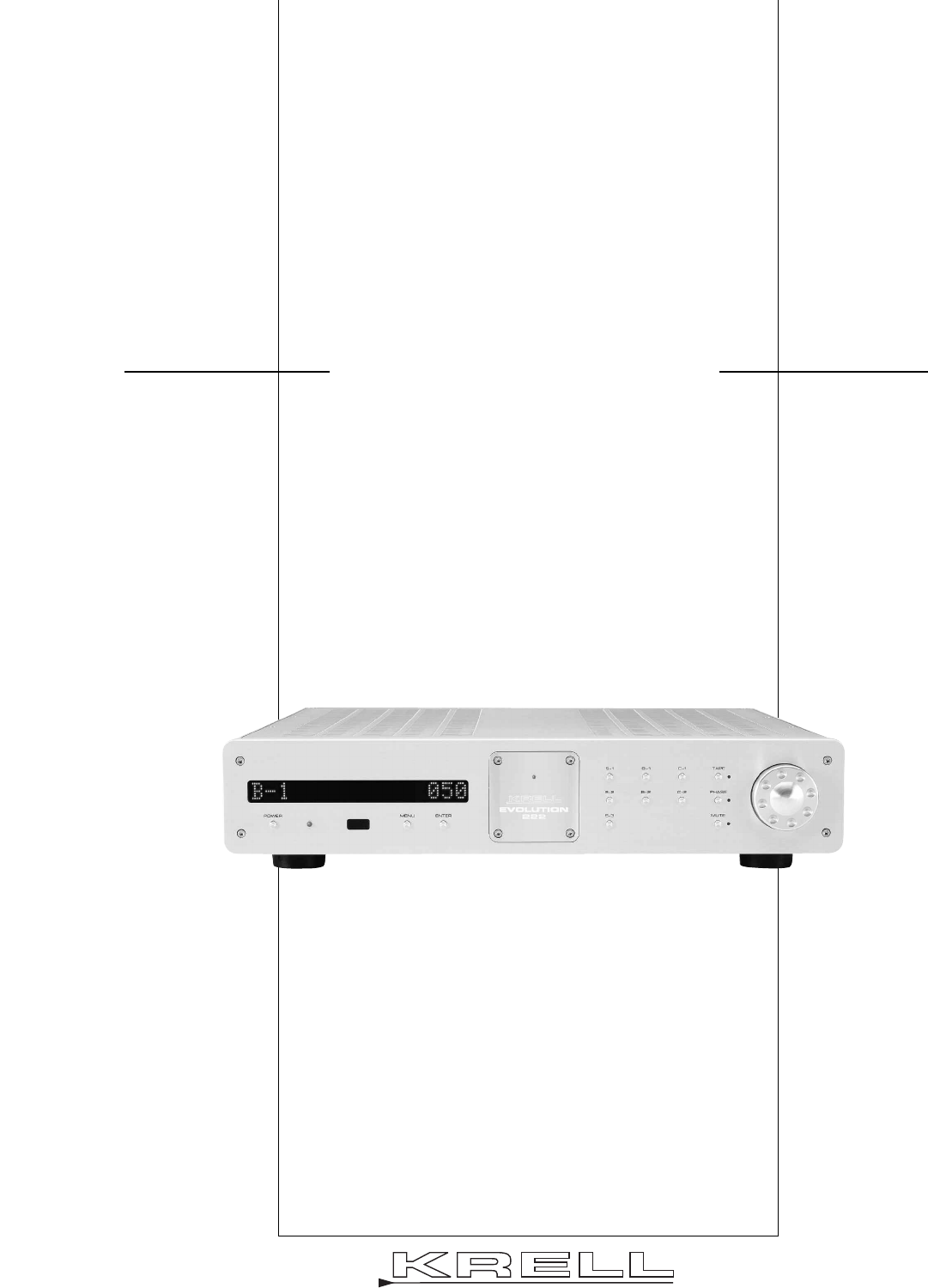
OWNER’S REFERENCEEVOLUTIONEVOLUTION 222STEREO PREAMPLIFIERTHE LEADER IN AUDIO ENGINEERING
10TechnologyKrell Current ModeA proprietary Krell circuit topology in which the audio gain stages of a componentoperate in the current rather than vol
11Unpacking and PlacementThis section describes the procedures for safely unpacking and placing yourEvolution 222 preamplifier. The Evolution 222 prea
12PlacementBefore you install an Evolution 222 preamplifier into your system, please follow theguidelines in this section to select a location for you
13continuedSECTION THREEQuick StartTo access the full array of available functions for the Evolution 222, please readthis entire owner’s reference man
14Operating the Evolution 222After the Evolution 222 is connected to your system and to AC power, and thefront panel display has stopped scrolling, be
15SECTION FOURAnatomy of the Evolution 222This section describes the Evolution 222 Preamplifier functions.Figure 1 Evolution 222 Front Panel1 Power B
16Front Panel DescriptionSee Figure 1 on the previous pageThe Evolution 222 preamplifier front panel functions are described below:ChassisPreamplifier
17Display3 Front Panel DisplayThe front panel display provides preamplifier channel status messages, includ-ing input status, tape output status, volu
18Level Control14 Level Control Knob or Level KeysUse this knob or keys to increase or decrease system volume level or, with thebalance key (C), to ad
19Figure 2 Evolution 222 Remote Control1 Power Key5 Menu Key6 Enter Key8 Single-ended Input Selection Keys 9Balanced Input Selection Keys10 CAST Inpu
Evolution 222 Stereo Preamplifier Owner’s Reference, v06.0Krell Industries, Inc.45 Connair RoadOrange, CT 06477-3650 USAThis product complies with the
20Remote Control DescriptionSee Figure 2 on the previous pageThe Evolution 222 remote provides the same power, preamplifier, level control, andnavigat
21Compact Disc and DVD FunctionsThe compact disc and DVD dual-purpose keys of the remote control are function-al with all Krell compact disc and DVD p
22Figure 3 Evolution 222 Back Panel15 Balanced Inputs: B-1, B-216 Single-ended Inputs: S-1, S-2, S-317 Tape Input18 CAST Inputs: C-1, C-219 Tape Outp
23Back Panel DescriptionSee Figure 3 on the previous pageThe preamplifier back panel provides all input and output connections, remotecontrol inputs a
24Remote Connections on the Back Panel22 RS-232The RS-232 port receives messages from a computer-based control system,providing integrated control of
25Phono Stage Connector25 Phono Power PortThis port is used for connecting the preamplifier to a Krell KPE phono stage.Power26 IEC Power Cord Receptac
26SECTION FIVEConnecting the Evolution 222 to Your SystemThis section describes Evolution 222 preamplifier connections. Input and Output ConnectionsKr
27Connection StepsPosition the preamplifier where you intend to use it in your system. The following steps describe how to connect an Evolution 222 pr
28Evolution 222 OperationThe Evolution 222 preamplifier is easy to operate. Instructions follow for on/off andstand-by operation.IMPORTANTAlways mute
29Customizing the Evolution 222The Evolution 222 preamplifier easy-to-use menu allows you to configure the fol-lowing functions. You can also use the
3ContentsList of Illustrations, page 4A Letter from Dan D’Agostino, page 5SECTION ONE: Evolution 222 Features and Technology, page 6Features, Revoluti
30Menu FunctionsAC MainsThis function enables you to operate the Evolution 222 from a switched AC outlet.If AC Mains is set to ON, the preamplifier tu
31Balance (channel)This function enables you to adjust the balance between the left and right outputchannels. The options are: CENTER, L .5-5 dB <,
32DisplayThis function enables you to turn on the front panel display (3) all the time, or turnit off after a time out. The options are: ON, TIMED.Ent
33continuedInfo This function enables you to access information about the preamplifier software,EEPROM, and PC Boards. The PC Boards are listed in the
34Input Level TrimThis function enables you to select an input offset for a particular input. Theoptions are: +/-6 dB, in 1 dB increments.Enter the me
35Input PhaseThis function enables you to invert the absolute polarity of the selected input 180degrees. The selections are: NORMAL, INVERT.Enter the
36(Input Trigger continued)OFFThe Evolution 222 does not respond to 12 V input trigger commands. NORMALThe Evolution 222 responds to 12 V input trigge
37Link Control (CAN Link)This function enables you to link and unlink CAN Link-enabled Krell products. Theoptions are:LINKED, UNLINKED.Enter the menu,
38Output TriggerThis function enables you to turn the two 12 Volt output triggers (24) on or off, orconfigure them with independent delays of up to 20
39RC-5 ControlThis function enables you to change the link transmit status of the Evolution 222.The options are: LINK TRANSMIT, LINK RECEIVE.Enter the
4List of IllustrationsFigure 1, page 15Evolution 222 Preamplifier Front PanelFigure 2, page 19Evolution 222 Remote ControlFigure 3, page 22Evolution 2
40RS-232 ControlThis function enables you to change the link transmit status of the Evolution 222.The options are LINK TRANSMIT, LINK RECEIVE.Enter th
41Theater ModeThis function enables you to select theater mode volume for a particular input.Use this function when connecting the output of a preamp/
42Volume DisplayThis function enables you to select the numeric mode for the volume display, dis-playing values from softest to loudest: 0 to 151. Alt
43Troubleshooting System NoiseWhen you mix and match high-performance audio components, each with its ownground potential, a low frequency hum may occ
44WarrantyKrell products have a limited warranty. Amplifiers, preamplifiers, preamp/processors,and receivers carry a limited warranty of five years fo
45If the product is serviced by a distributor who did not import the unit, there may bea charge for service, even if the product is within the warrant
46Return Authorization ProcedureIf you believe there is a problem with your component, please contact your dealer,distributor, or the Krell factory to
47Inputs2 pr. CAST via 4-pin bayonet connectors2 pr. balanced via XLR connectors3 pr. single-ended via RCA connectorsTape input1 pr. single-ended via
OWNER’S REFERENCEV06.0KRELL INDUSTRIES, INC.45 CONNAIR ROADORANGE, CT 06477-3650 USATEL: 203-298-4000 • FAX: 203-891-2028E-MAIL: [email protected]
5A Letter from Dan D’AgostinoDear Audio Enthusiast,Thank you for your purchase of the Krell Evolution 222 preamplifier.The preamplifier plays a vital
6SECTION ONEEvolution 222 Features and Technology This section describes the innovative features and technology of the Evolution 222preamplifier, and
7Revolutionary Krell CAST TechnologyCurrent Audio Signal Transmission, termed CAST, is a revolutionary method ofconnecting analog audio components for
8Krell Current Mode maintains the integrity of the signal within the component andCAST preserves the transmitted signal between components. Together,
9Definition of TermsThe following are definitions of key terms used in this owner’s reference:Inputs and OutputsBalancedA symmetrical input or output
© 2020, manymanuals.it. Tutti i diritti riservati | 0.045 s |
 Manymanuals.com
 Manymanuals.de
 Manymanuals.fr
 Manymanuals.it
 Manymanuals.pl
 Manymanuals.cz
 Manymanuals.es
 Manymanuals-pt.com
Commenti su questo manuale